Running the Dashboard
The web interface is served by the Cipher server. Unlike the CLI and MCP server (which run locally against SQLite), the server requires PostgreSQL.
Start the server
mdstn-cipher serve --port 8080 --db-url postgres://user:pass@localhost/cipher--db-url defaults to $DATABASE_URL. See the serve reference
for all flags. Once running, open http://localhost:8080.
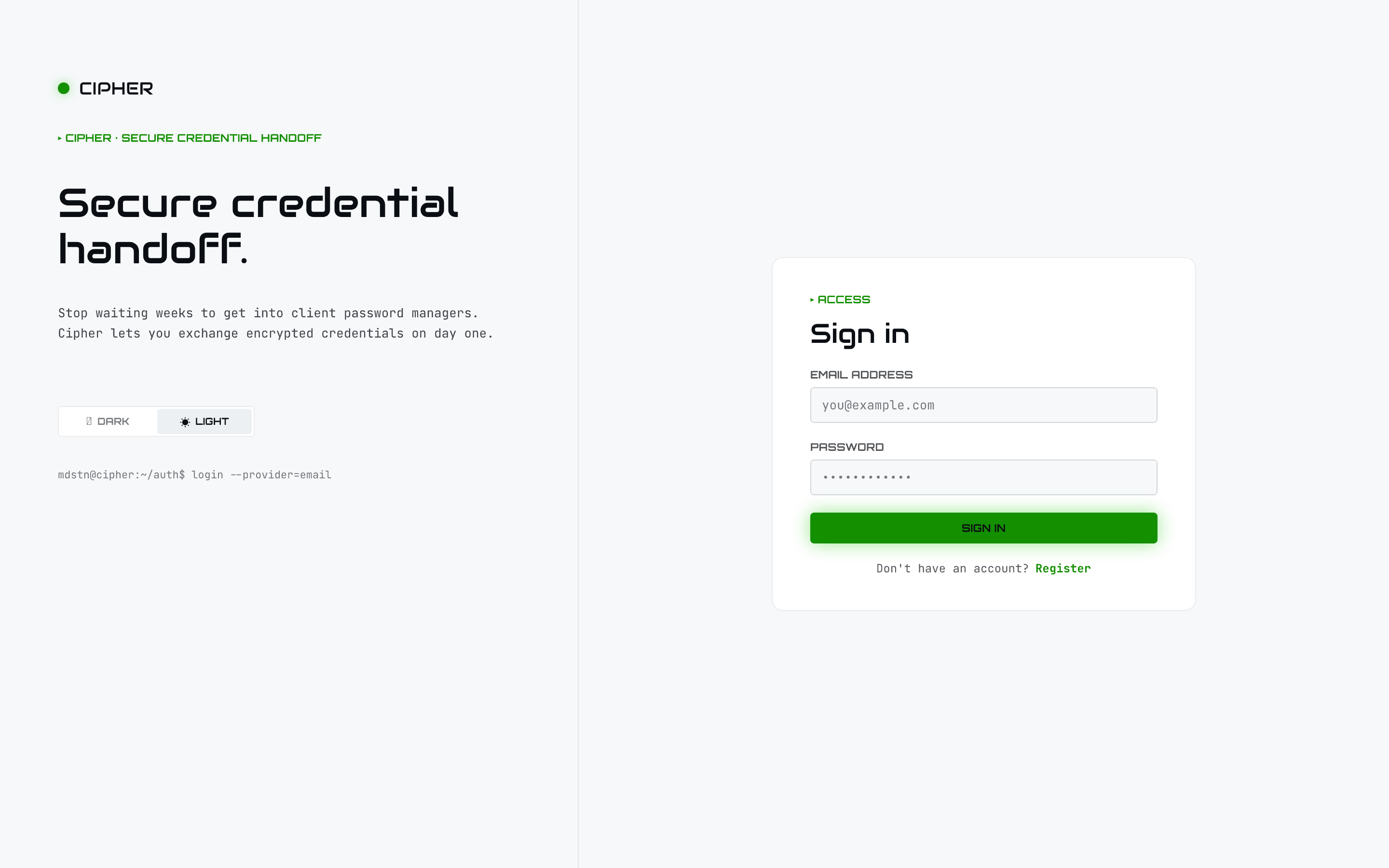
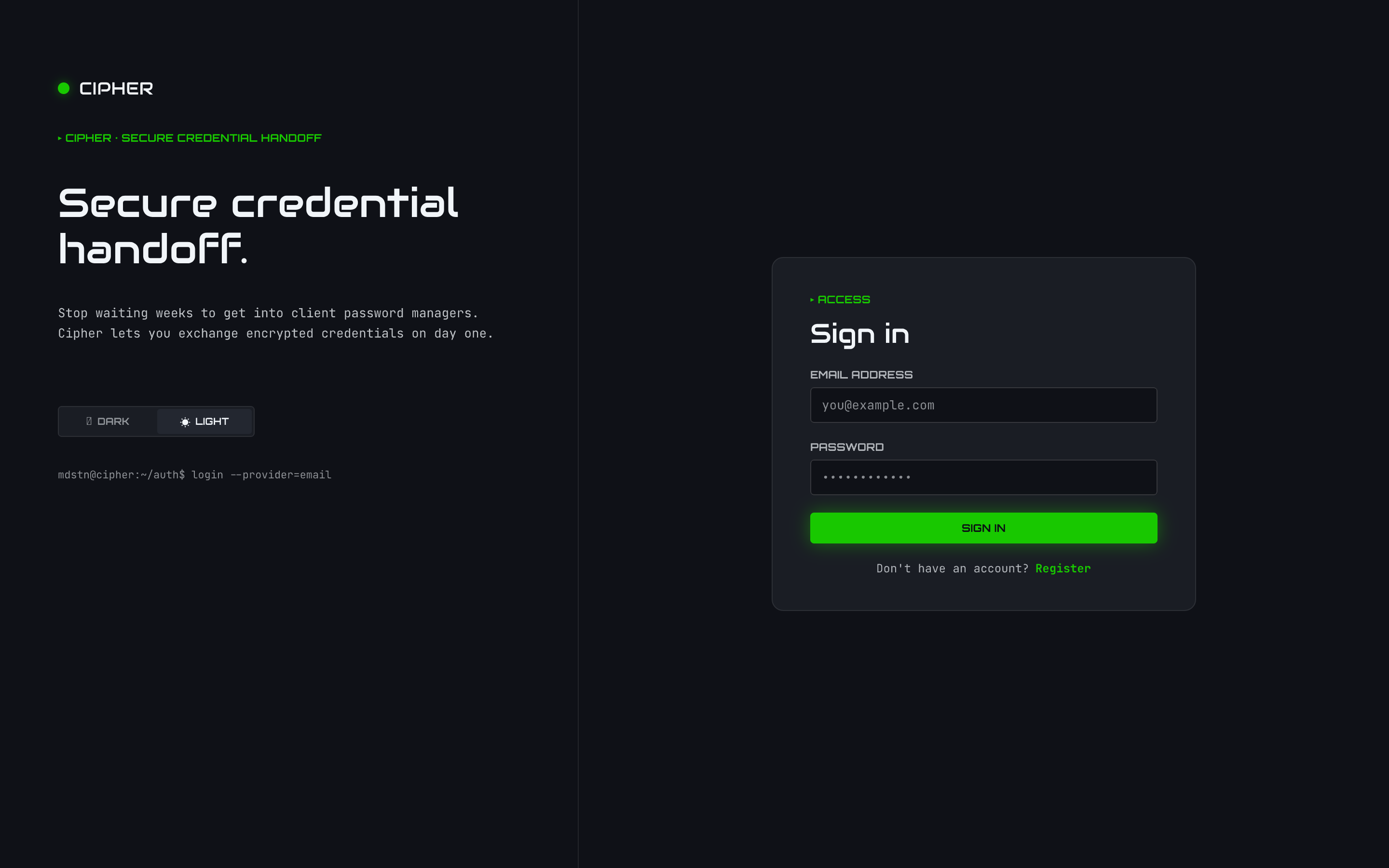
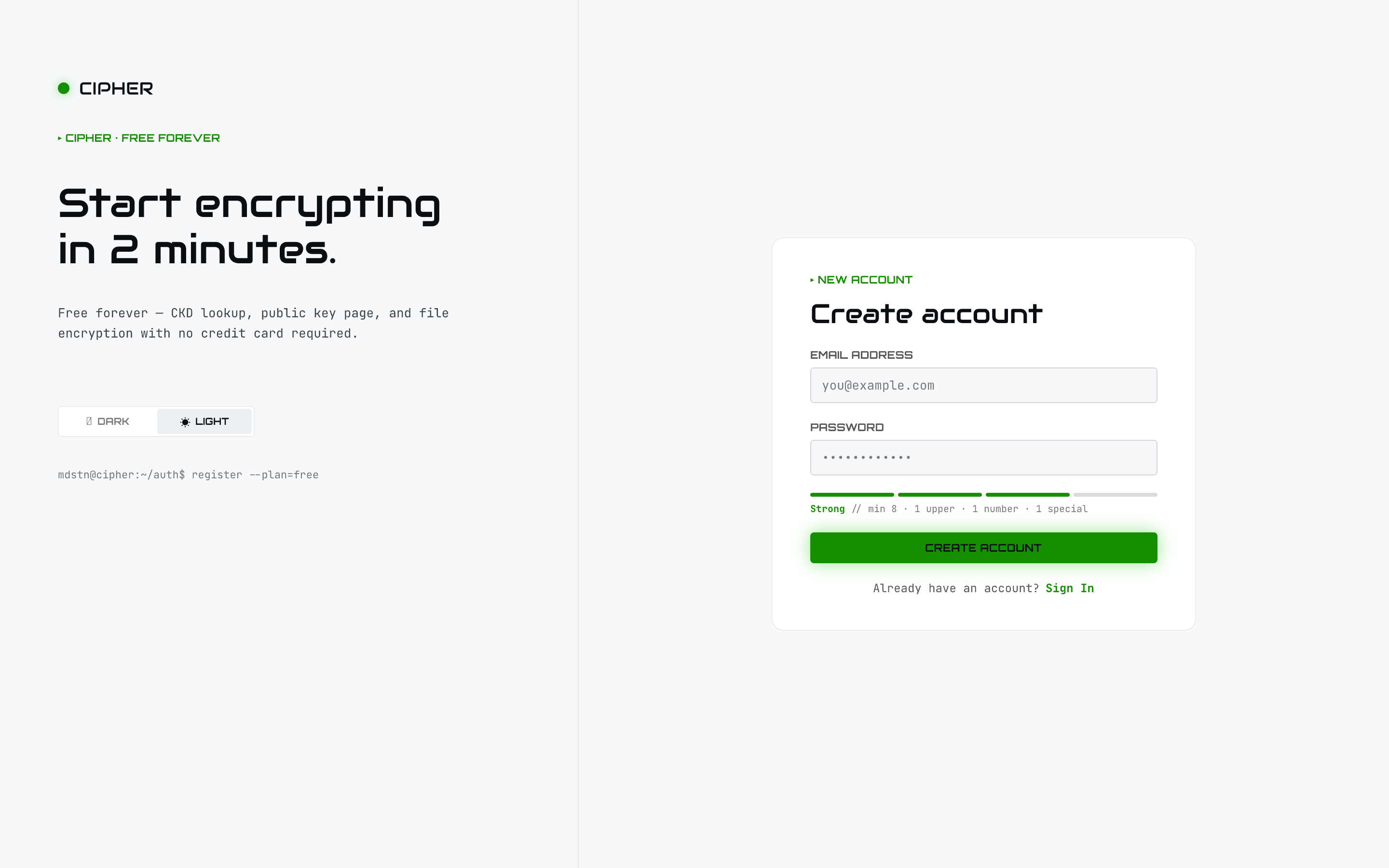
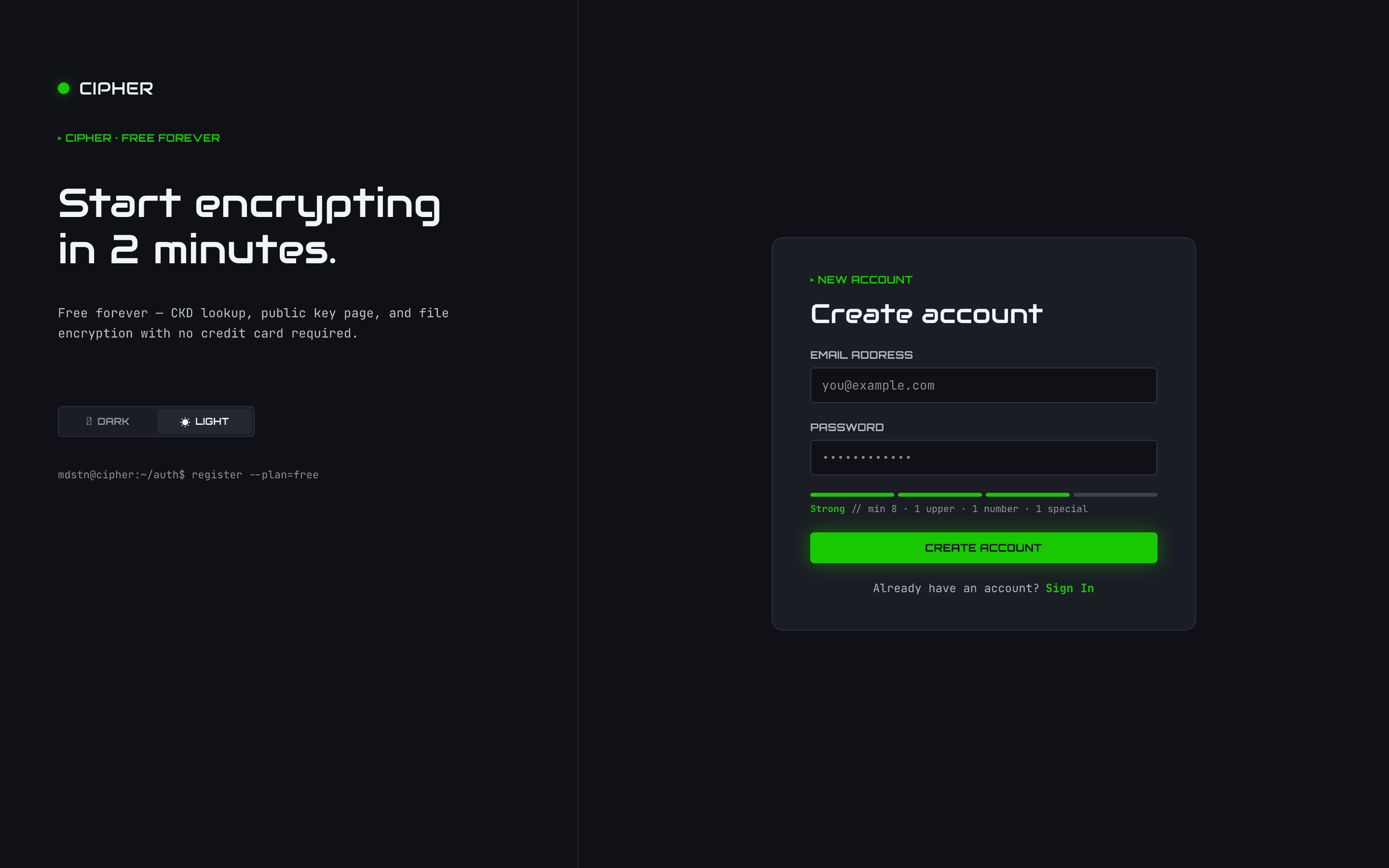
Sign in
The server presents login and register screens. Registration is free and gets you a public key page and CKD lookup with no credit card.
Plans and entitlement
How features are gated depends on how the server runs:
- Self-hosted / local mode — every capability is unrestricted on every surface. No paywall, no tier gates.
- Potomitan mode — the web and API surfaces gate certain features per the signed-in user’s plan (derived from their OIDC plan claim). Higher tiers unlock capabilities such as the activity/audit view.
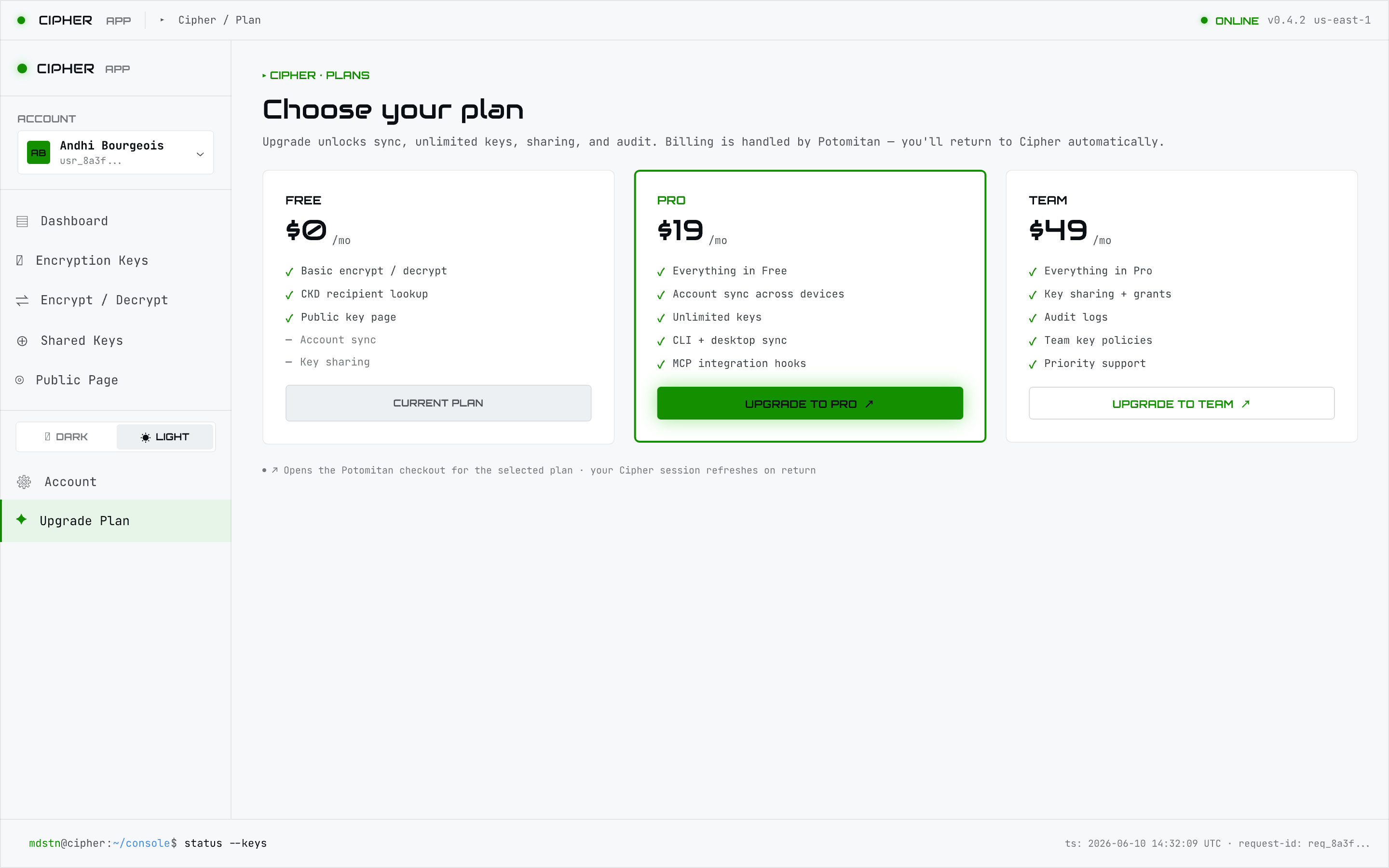
There is no
cipher license command and no license tiers in the CLI. Entitlement is
“self-hosted unrestricted, or Potomitan-gated” — nothing to activate locally.