Public Key Pages
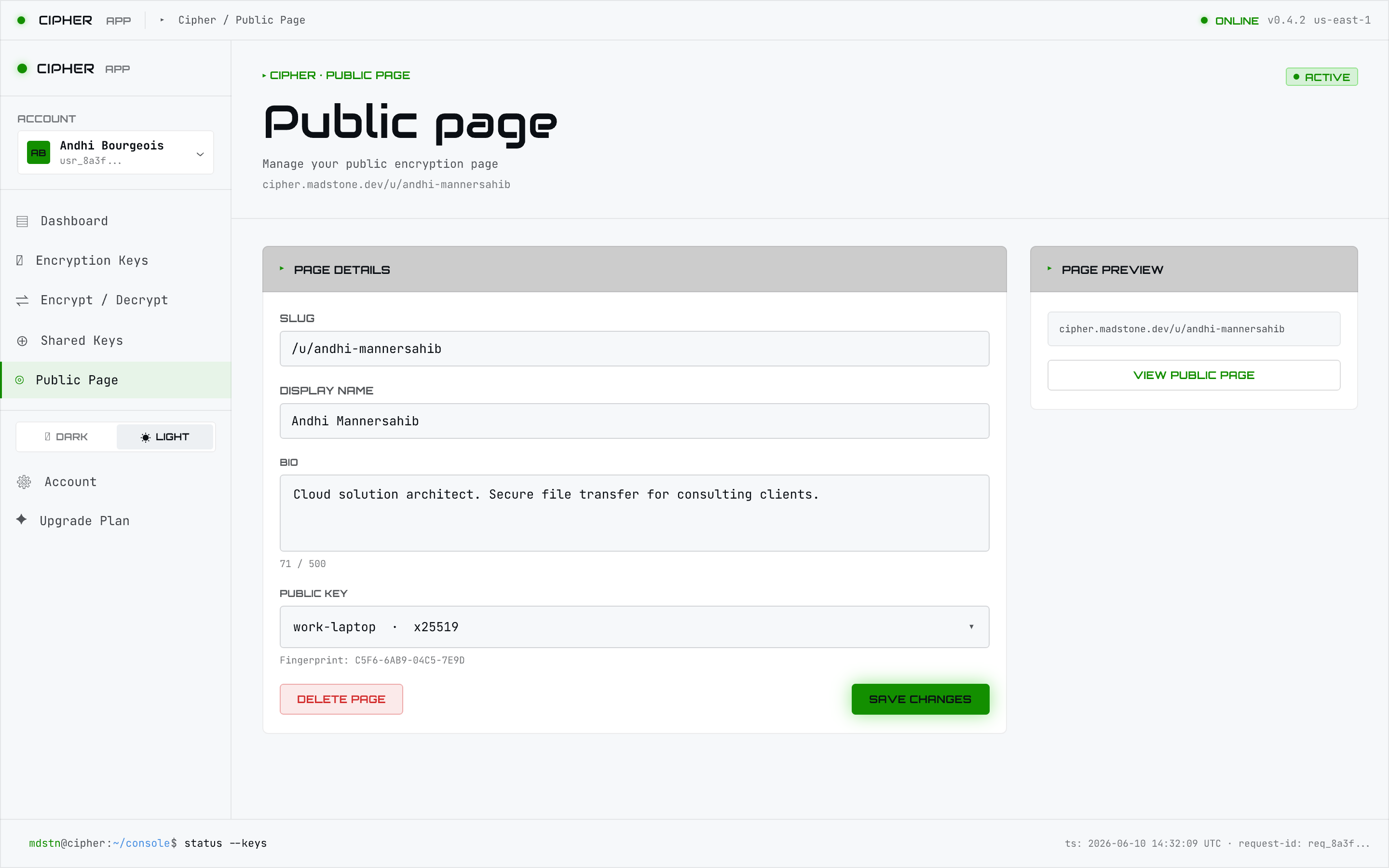
A public key page gives you a shareable URL (/u/<your-slug>) where anyone can encrypt a
file to you — in their browser, with no account and no software install. This is the web-only
capability that makes Cipher useful for inbound, ad-hoc secure handoff.
Configure your page
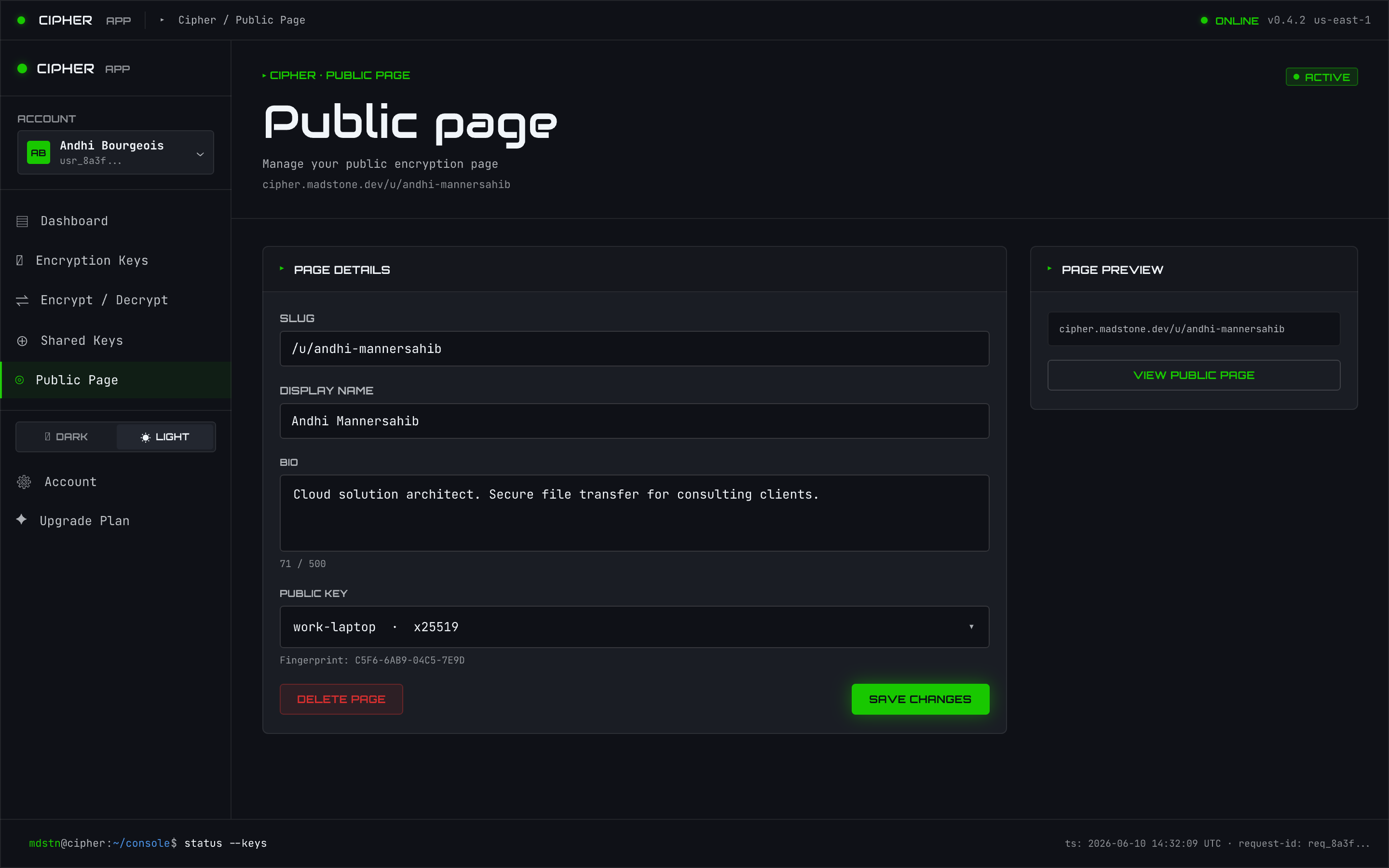
Set up your page under settings (/settings/public-page): choose your slug, what’s shown, and
publish your public key. Once published, your address is live and your public key is downloadable
at /u/<slug>/key.pub.
What visitors see
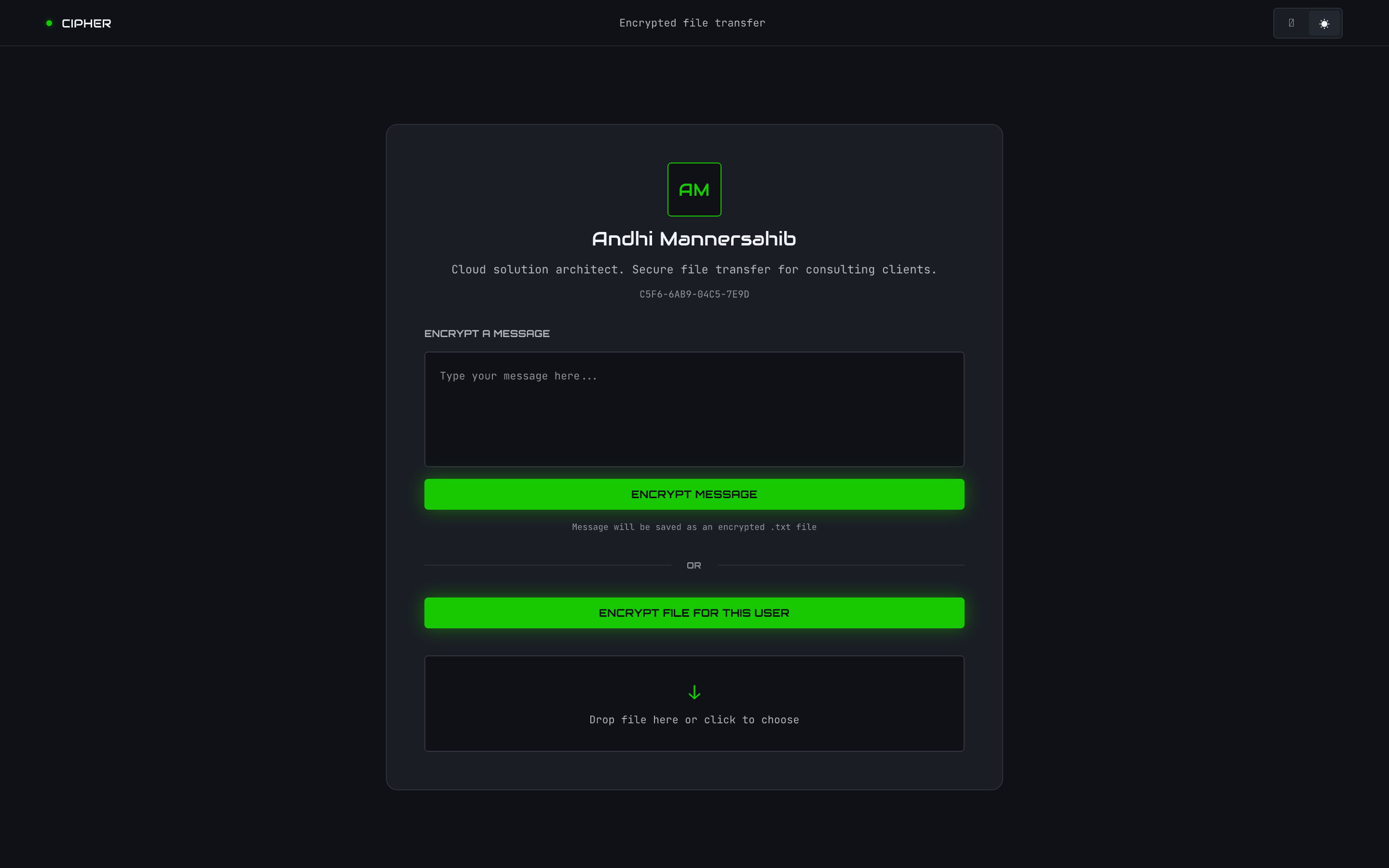
A visitor opening your page can drop a file and encrypt it to your published key entirely
client-side — the server never sees the plaintext (zero-knowledge). They download the
resulting .mdstn, send it to you, and you decrypt it with your key from any surface.
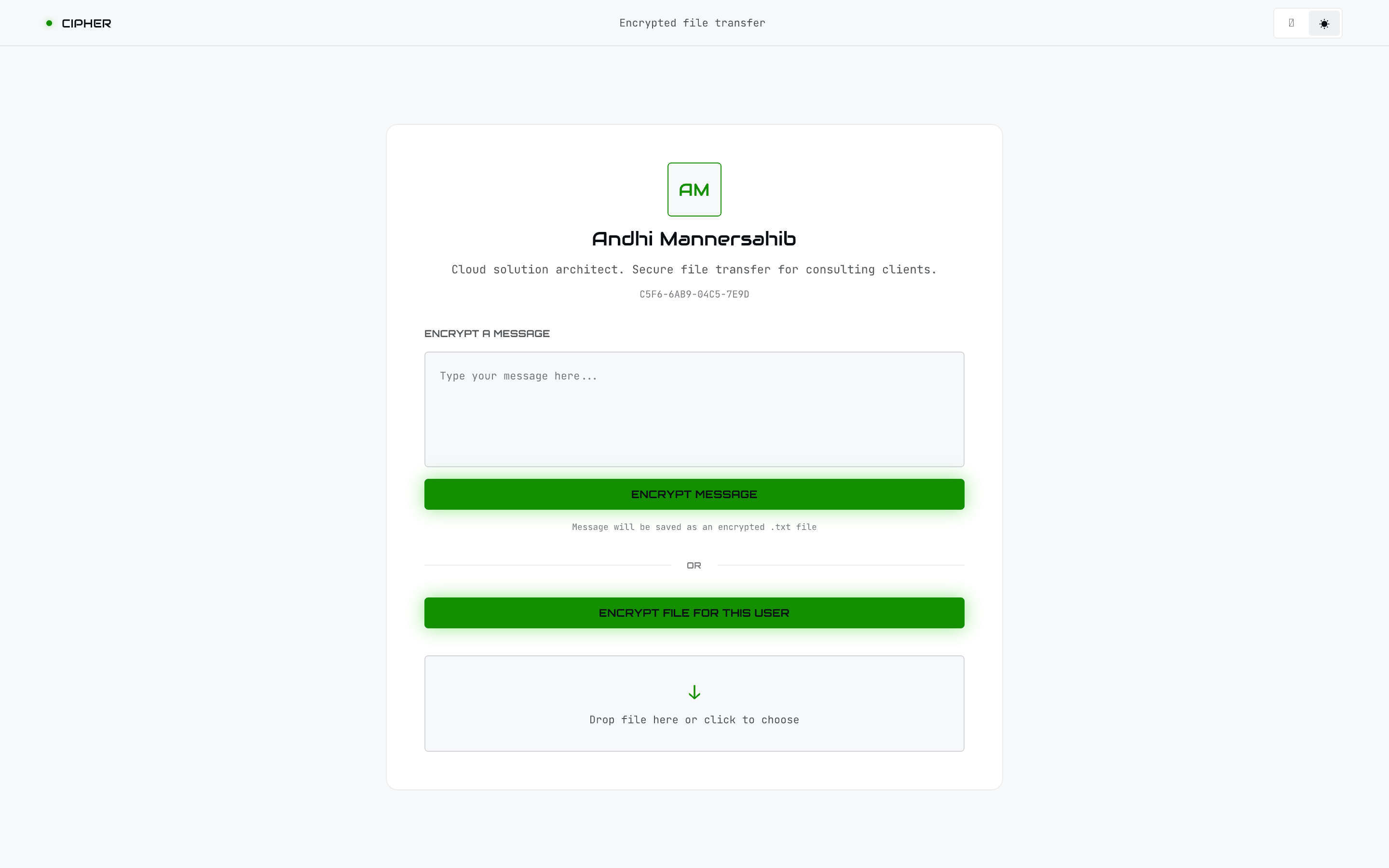
In-browser encryption on the public page is one of two web-only capabilities (the other is the
activity/audit view). It has no CLI or MCP equivalent because it’s about letting other people
encrypt to you without installing Cipher.