Encrypt in the Browser
The web interface can encrypt and decrypt files directly in your browser (/encrypt). The
operation runs client-side — for the zero-knowledge paths the server never receives your
plaintext or your private key.
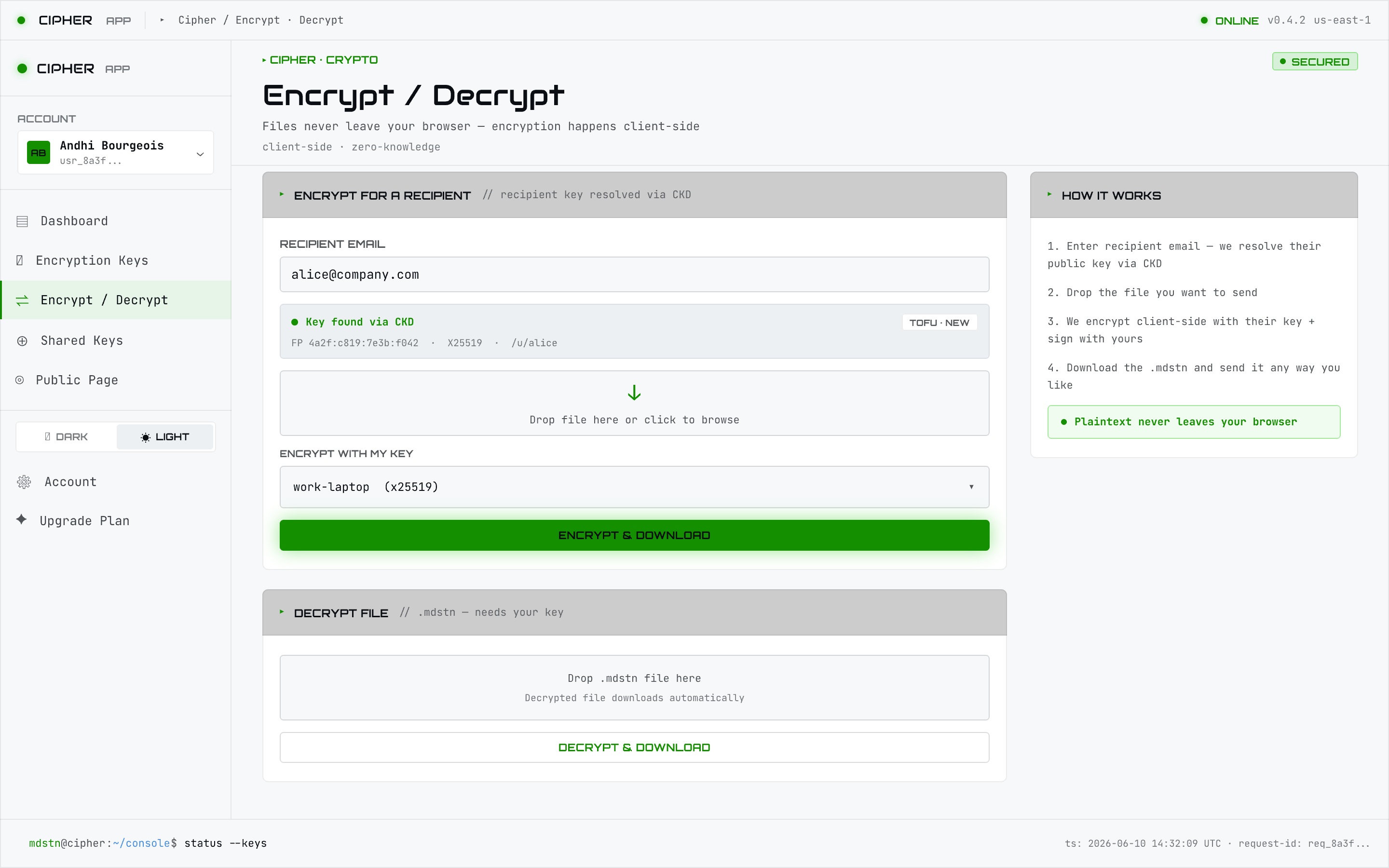
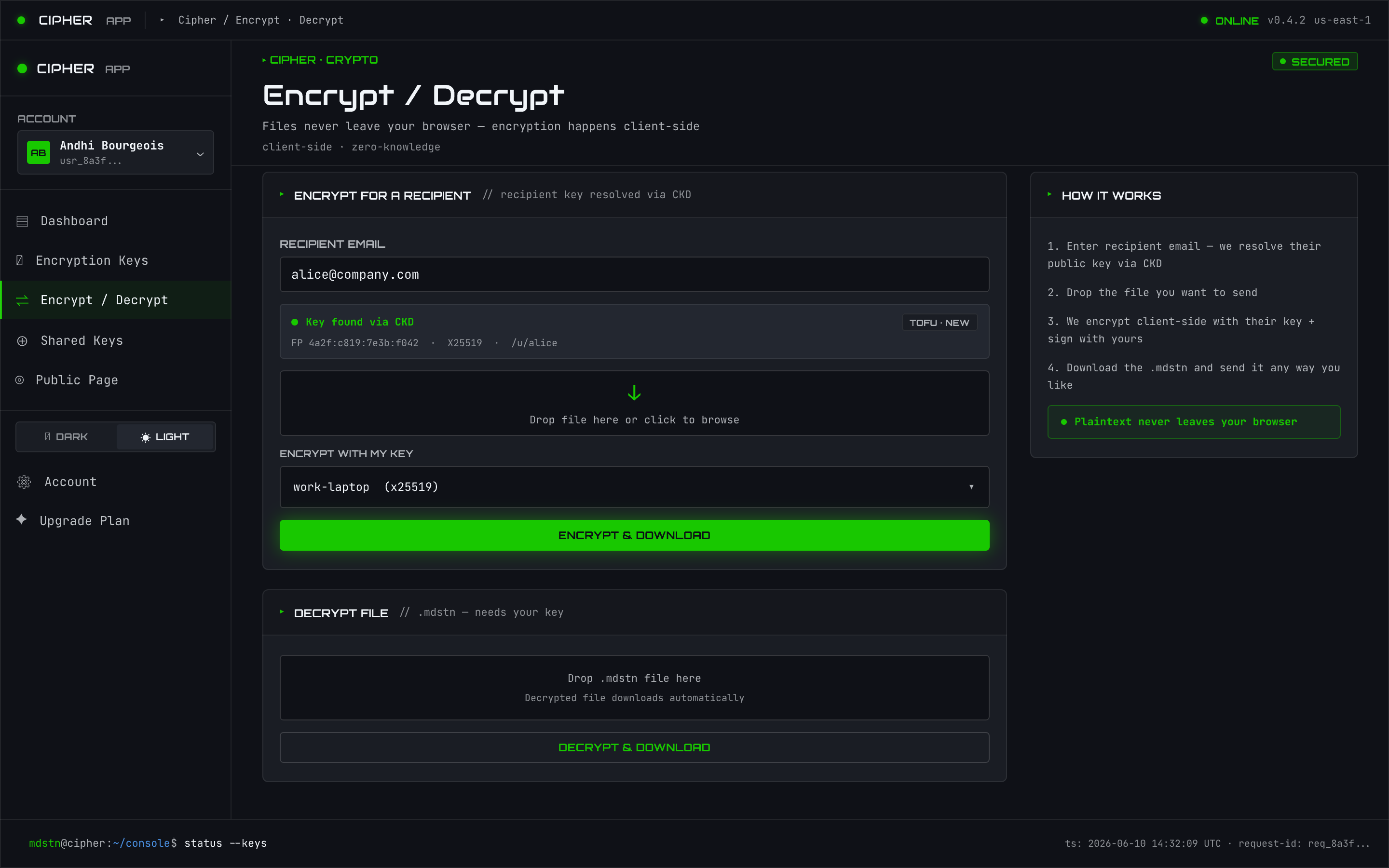
Encrypting for a recipient
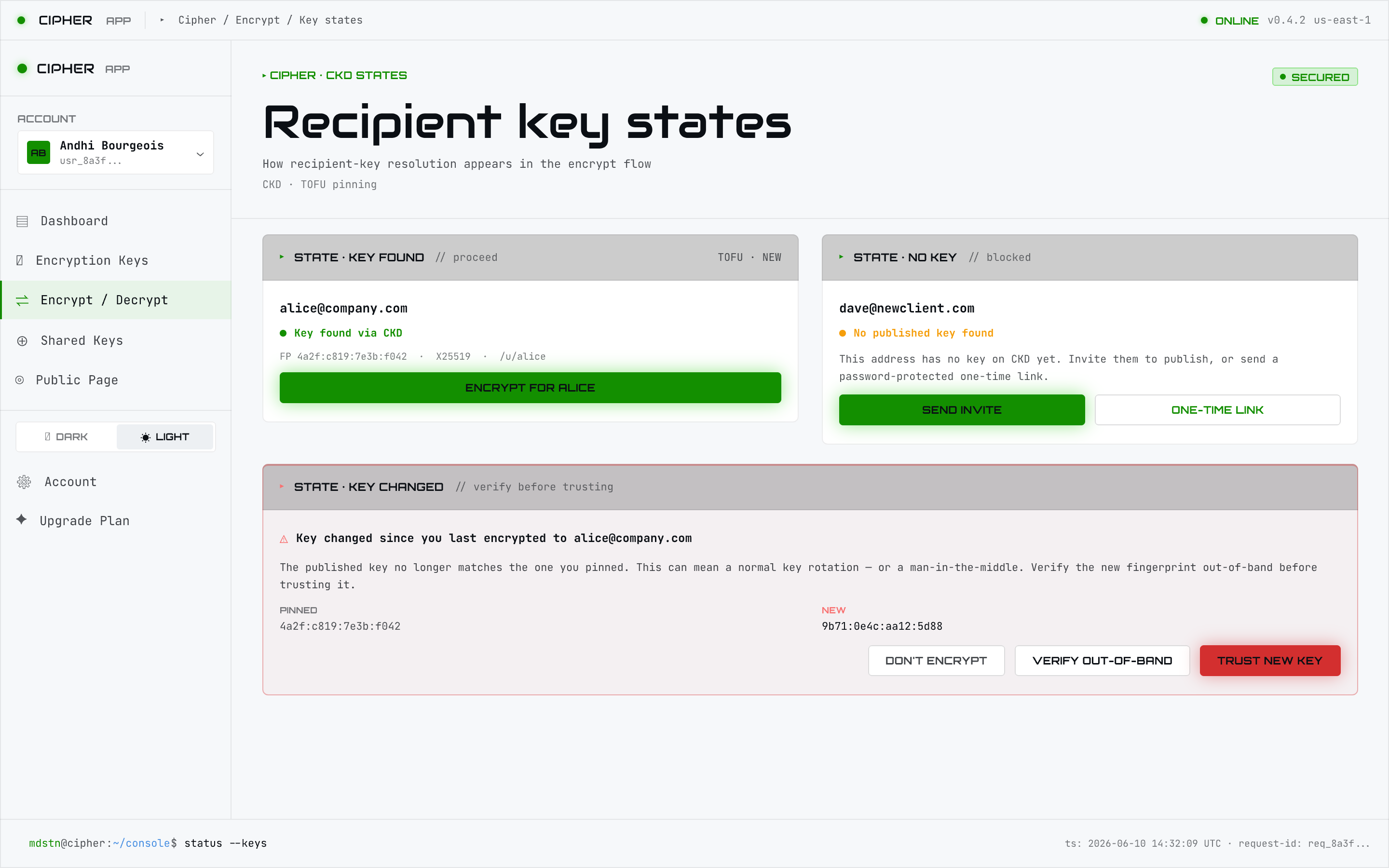
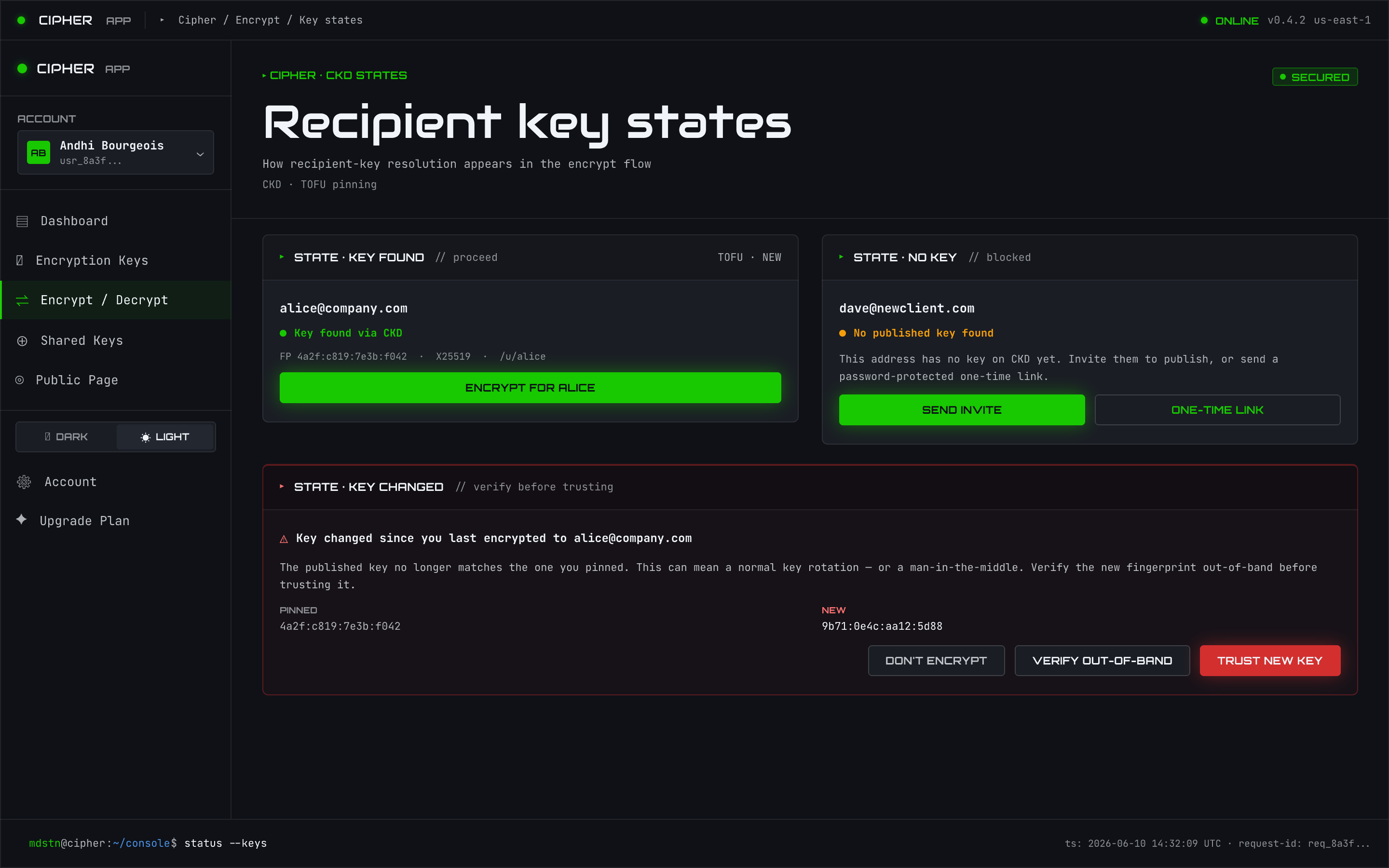
Enter a recipient’s email and the interface looks up their public key via
CKD and encrypts so only they can open the result — the same flow as
mdstn-cipher encrypt --for <email> on the CLI.
Decrypting
Drop a .mdstn file to decrypt it; the method is auto-detected from the file header, exactly as
with the CLI. Decryption of zero-knowledge files happens in the browser using your unwrapped key.
Files are cross-surface compatible: a
.mdstnproduced in the browser decrypts with the CLI (and vice versa).